| Page 32 | Modeling a Mountain Bike: The Gears |
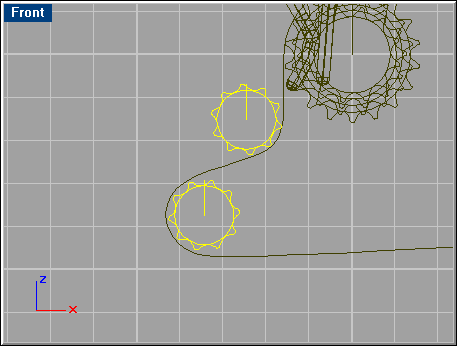
To model all of the gears, an array function will be used with existing gear curves.
Select the curve shown below, and go ‘Transform/Array/Along Curve’.

Select the circle curve just beneath it and for number of items in the options panel, type 46. Delete the original gear curve, and then select all the arrayed ones and join them.

Make a ‘Sweep 1 Rail’ for each pair of curves selected below.

Select all third gear curves and extrude them in the direction shown below.
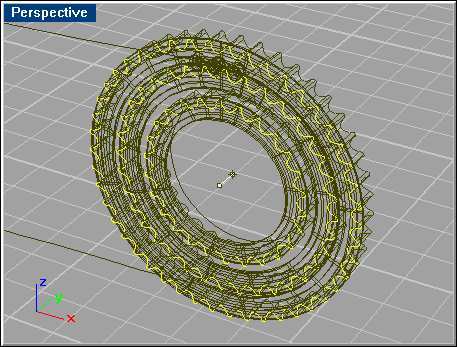
Next go ‘Solid/Difference’, and select the largest Sweep 1 Rail surface, then the largest extruded gear surface.

Repeat this step for the two gears below.
Repeat the same process with the other gears shown here: