| Page 6 | Modeling a Mountain Bike: Starting The Wheels |
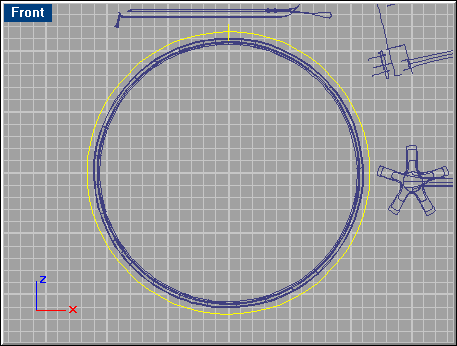
Choose ‘File/Import/Merge’ and select ’Curves2.3dm’. The curves come with a new layer called ’Curves-2’ which has another color. Go into Layer Control and turn off the ’Frames’ layer.

Start with modeling the back wheel. Select the 2 curves seen below.
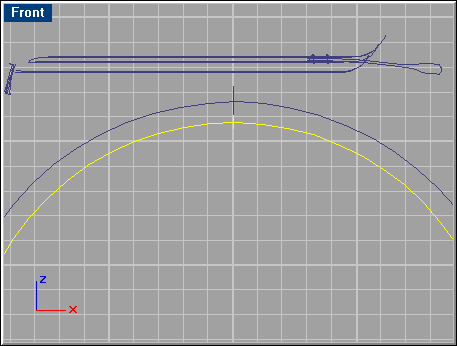
Make a ‘Sweep 1 Rail’, using the default options. Do the same with the curves shown below to create the tire. Repeat these steps for the front wheel as well.