| Page 7 | Modeling a Mountain Bike: The Rear Rack |
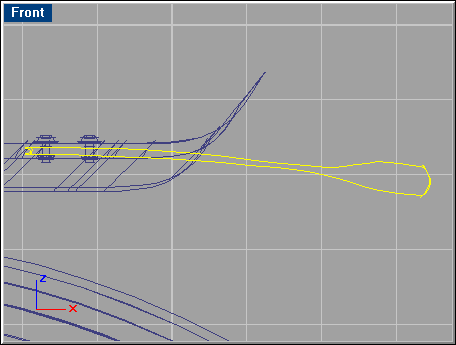
Select the curves shown below and loft these to create the rear rack.
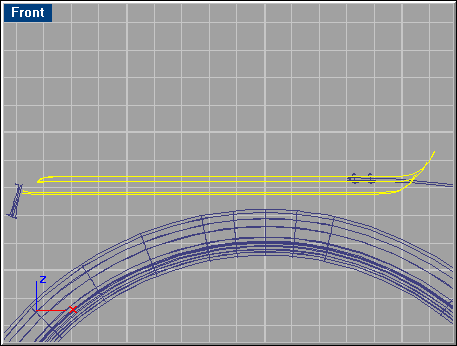
Use these options: 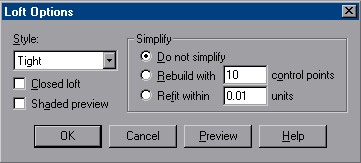
Zoom in on the area where the screws are positioned.

 Select one of the
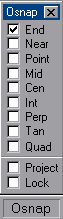
screws, and go to ’Surface/Revolve’. Use Object Snap
’End’ (right) when you select the Start and End of the
revolve axis, as shown below.
Select one of the
screws, and go to ’Surface/Revolve’. Use Object Snap
’End’ (right) when you select the Start and End of the
revolve axis, as shown below.
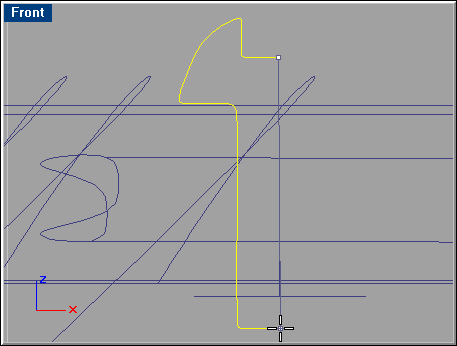
Use the default settings in the ’Revolve Options’ panel. Repeat this step with the other screw curve.
Select the curves shown below and make a ‘Sweep 1 Rail’ to create the bolt. Repeat for the other screw bolt.
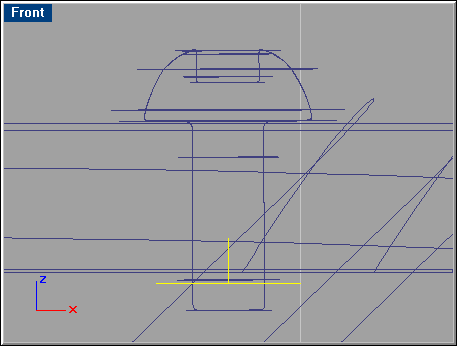
Set the Object Snap to ’Mid’ and uncheck the ’End’ snap. This makes the pointer snap to the middle of surfaces nearby. Select both screws and bolts and go ’Transform/Mirror’. Move the pointer close to the area shown below so it snaps to the middle of the package holder, press LMB then hold Shift and drag the pointer straight in any horizontal direction. Make sure it doesn’t snap to anything. Press LMB again to finish.
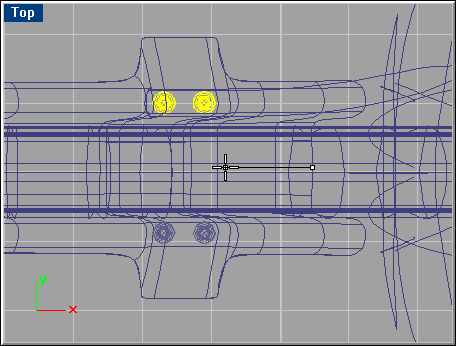
Select the curves shown below, and go ’Surface/Sweep 2 Rails’. Use the default options.