| Page 9 | Modeling a Mountain Bike: The Lock |
To build the lock, zoom in on the curves shown below. This time you need to pick the order of the loft as well. Deselect all and then go ‘Surface/Loft’, then in the Front viewport pick the top curve, one of the middle curves, the bottom curve and the other middle curve and hit Enter. Use the ‘Closed’ option.
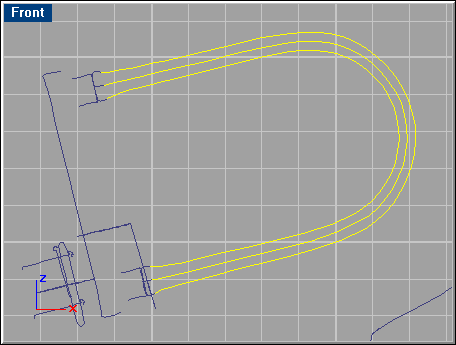
Select the curves shown below, and loft these together with the ‘Closed’ option. Do the same with the curves in the lower end of the lock.
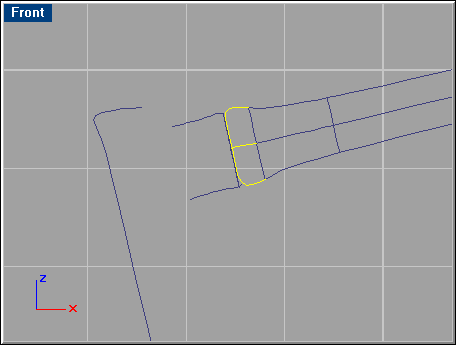
Finally, go to ‘Edit/Join’ and select the three surfaces shown below.
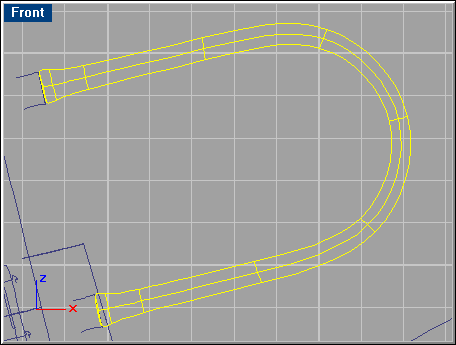
Select the curves shown below, and make a ‘Sweep 1 Rail’ with the default options. Repeat this step with the other end of the lock part.
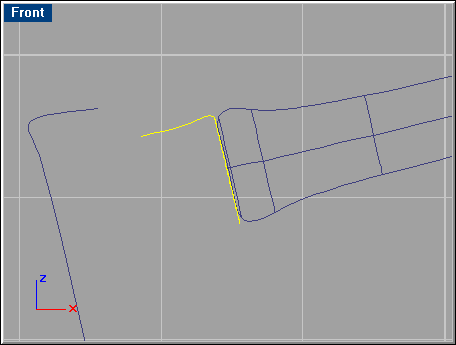
Select the curve shown below and make a ‘Revolve’.

Select the curves shown below and make a ‘Sweep 2 Rails’.
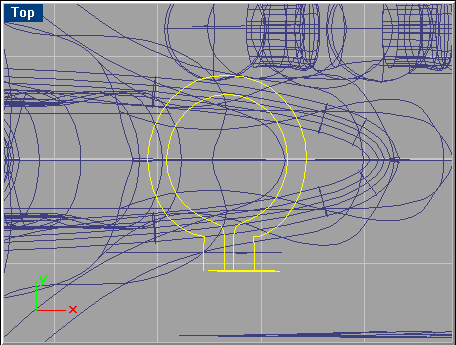
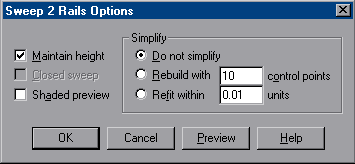
This time you need to use the ‘Maintain height’ option as seen below.
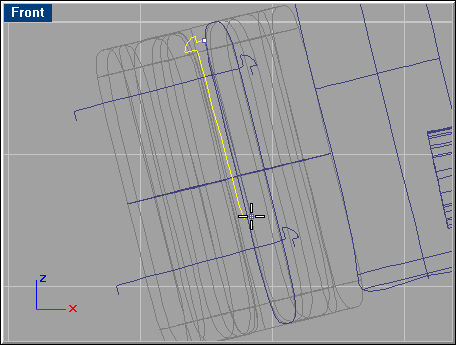
There are three screw curves that need to be revolved. The figure below shows the vertical screw curve the way it should revolve (the surface created in the previous step is frozen (‘Edit/Visibility/Lock) making it easier to see the curves used in this step)). Repeat with the two other curves.
Select the curves shown below, and make a ‘Sweep 1 Rail’ with default options. When done go ‘Solid/Cap Planar Holes’ to make ‘lids’ at the openings of the surface.
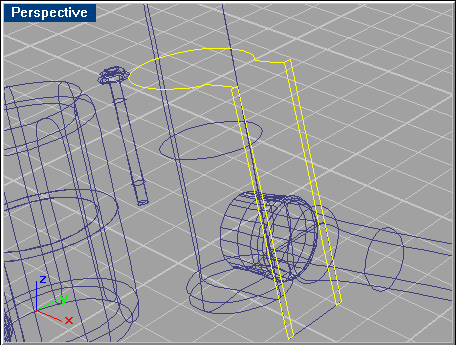
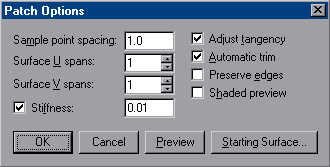
Select the curve below and go to ‘Surface/Patch’.
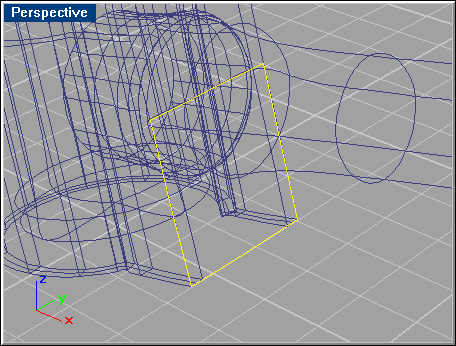
Use these settings: