| Page 39 | Modeling Trog: Head / Crest |
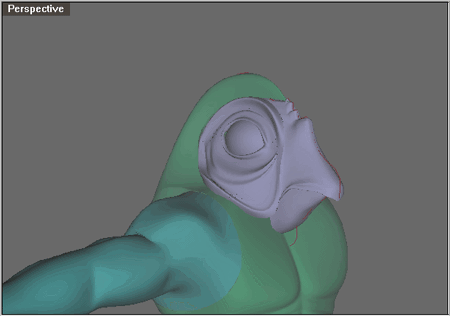
Save your file and merge t8.3dm or open trog8.3dm
Turn off DynamicShadingPerspective for this part if it slows you down. Also make sure CullCp is off.
Delete the 'profile curves', 'section curves' and 'annotate' layers.
Select the torso and turn on the points and select the upper left point shown below.
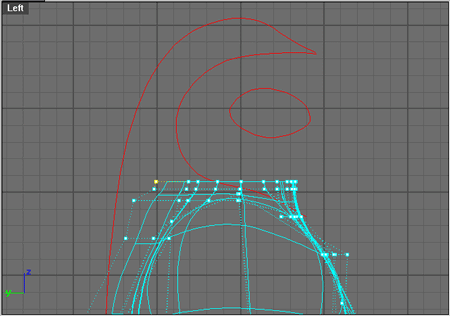
Hit AddPrevU and then right click for AddNextU.
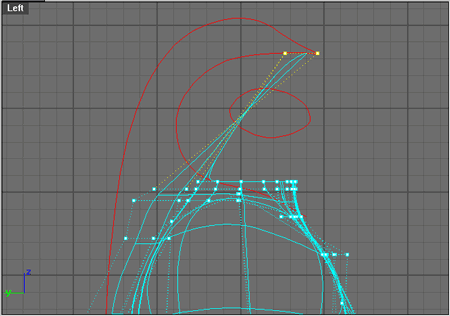
Hit Rotate and for the 'Center of rotation' click somewhere within the eye and type in 180. As shown below.
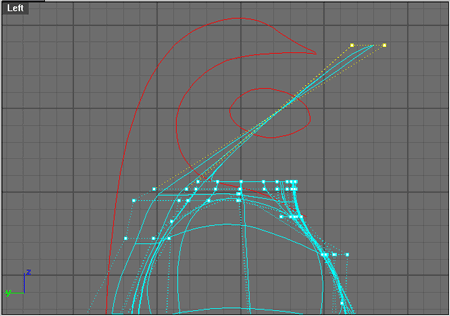
Reposition the 3 selected points so they form the point of the crest as shown below.